Fix 8171 Payment Wallet Technical Glitch. Many beneficiaries in Pakistan receive an 8171 SMS confirming eligibility but still see no payment in their wallet.
This guide explains why the 8171 payment wallet glitch happens in 2026 and how to fix it step by step.

What Does the 8171 SMS Really Mean?
The 8171 SMS is often misunderstood.
It confirms eligibility, not payment release.
When you receive a message from Benazir Income Support Programme, it means:
- Your CNIC is eligible
- Your data passed initial checks
- Your payment may still be under processing
Payment release happens in batches, not instantly.
Eligibility vs Payment Release
| SMS Status | Meaning |
|---|---|
| Eligible | You qualify for the program |
| Under Process | Payment not released yet |
| Released | Money sent to wallet/center |
| Verification Required | Biometric or CNIC issue |
Always confirm status before visiting a payment center.
Why the 8171 Payment Does Not Show in Wallet
Several technical and verification issues cause this problem.
1. Batch-Based Payment System
Payments are released district-wise.
Some areas receive funds later.

2. Biometric Verification Failure
If fingerprints do not match, payment gets blocked.
3. CNIC and SIM Mismatch
Your wallet SIM must be registered on your own CNIC.
4. Wallet Sync Errors
Digital wallets sometimes fail to sync with BISP servers.
5. NSER Survey Not Updated
Outdated household data delays payments.
6. Expired CNIC
An expired CNIC automatically blocks disbursement.
Common Wallet Issues in 2026
Beneficiaries using digital wallets face extra technical challenges.

Affected Wallets
- JazzCash
- EasyPaisa
- UBL Omni / partner banks
Why Wallet Payments Fail
- SIM not linked to CNIC
- Wallet account inactive
- App not updated
- System overload on payment days
How to Check 8171 Payment Status Online
Always verify through official channels only.
Method 1: SMS Check
Send your CNIC (without dashes) to 8171.
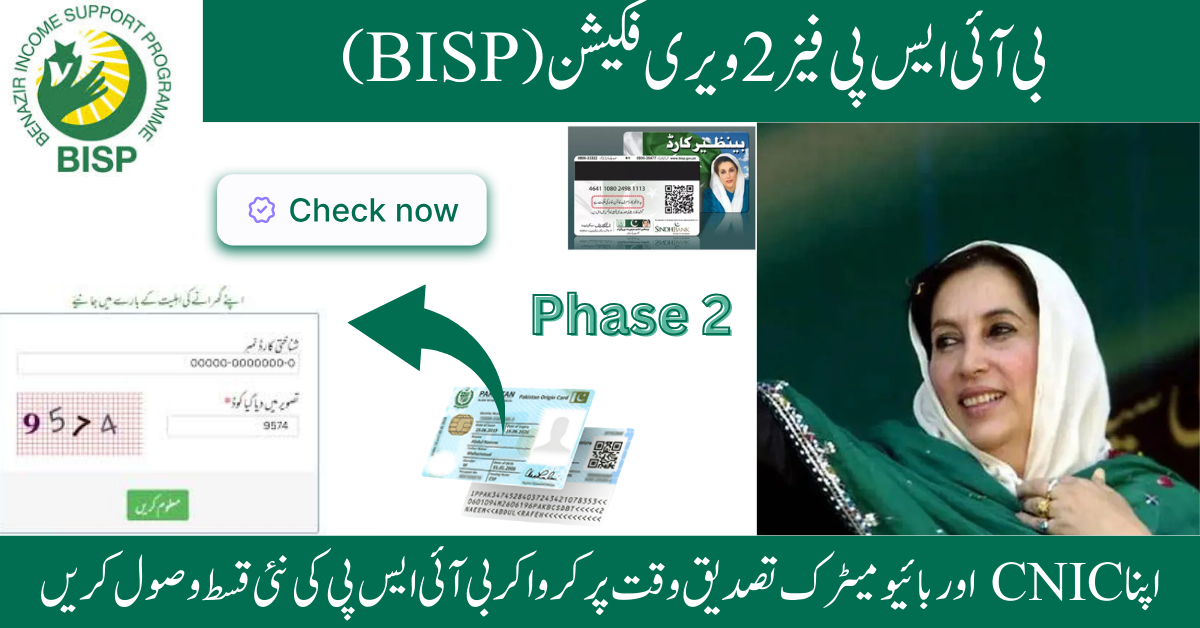
Method 2: BISP Web Portal
- Enter CNIC
- Complete captcha
- View payment and verification status
Method 3: BISP Tehsil Office
Visit with original CNIC for batch confirmation.
⚠️ Avoid third-party websites. Most are fake.
Step-by-Step: Fix 8171 Payment Wallet Technical Glitch
Follow these steps in order.
Most cases resolve within 48 hours.
Step 1: Verify Biometric
Visit an authorized payment center or bank.

Step 2: Check CNIC Validity
Update expired CNIC at NADRA.
Step 3: Confirm SIM Ownership
Your wallet SIM must be registered on your CNIC.
Step 4: Update NSER Survey
Incomplete survey = blocked payment.
Step 5: Refresh Wallet App
- Log out
- Clear cache
- Reinstall if needed
Step 6: Recheck via 8171
Resend CNIC to refresh system status.
What to Do If Payment Is Released But Not Visible
Sometimes payment is released but stuck.
Quick Fix Checklist
- Contact wallet customer support
- Ask BISP staff to reprocess payment
- Request manual sync
- Wait 12–24 hours after verification
Most wallet sync issues resolve automatically.

Where to File a Complaint If Issue Persists
If payment still does not appear, file a complaint.
Official Complaint Channels
- BISP Helpline: 0800-26477
- Visit BISP Tehsil Office
- Pakistan Citizen Portal app
Keep these ready:
- CNIC copy
- 8171 SMS screenshot
- Wallet account details
How Long Does It Take to Receive Missing Payment?
| Issue Type | Time Required |
|---|---|
| Wallet sync | 1–3 hours |
| Batch delay | 12–24 hours |
| Biometric issue | 1–3 days |
| CNIC update | Up to 7 days |
| NSER update | 3–7 days |
Early verification = faster payment.
Fraud Safety: Protect Yourself
Scammers target BISP beneficiaries every month.
Stay Safe
- Trust only 8171 SMS
- Never share CNIC, OTP, or PIN
- No fees for BISP payments
- Avoid agents and middlemen
BISP services are 100% free.
Tips to Avoid Future Payment Issues
Simple habits prevent most problems.

Best Practices
- Keep CNIC valid
- Use one wallet only
- Update NSER regularly
- Save all 8171 messages
- Avoid shared SIMs
- Check status before visiting centers
Consistency avoids delays.
FAQs About Fix 8171 Payment Wallet Glitch
Why did I receive 8171 SMS but no payment?
Because eligibility does not mean payment release. Payments are batch-based.
How do I fix missing payment in JazzCash or EasyPaisa?
Verify biometric, confirm SIM ownership, and refresh your wallet.
Is 8171 SMS always real?
Yes. Any other number is fake.
How long does wallet syncing take?
Usually 1–24 hours after verification.
Can payment be blocked permanently?
No. Once issues are fixed, payment is released.
Conclusion
The 8171 payment wallet technical glitch in 2026 is frustrating but fixable.
Most issues relate to verification, wallet syncing, or batch delays.
Follow official steps, avoid agents, and keep your records updated.