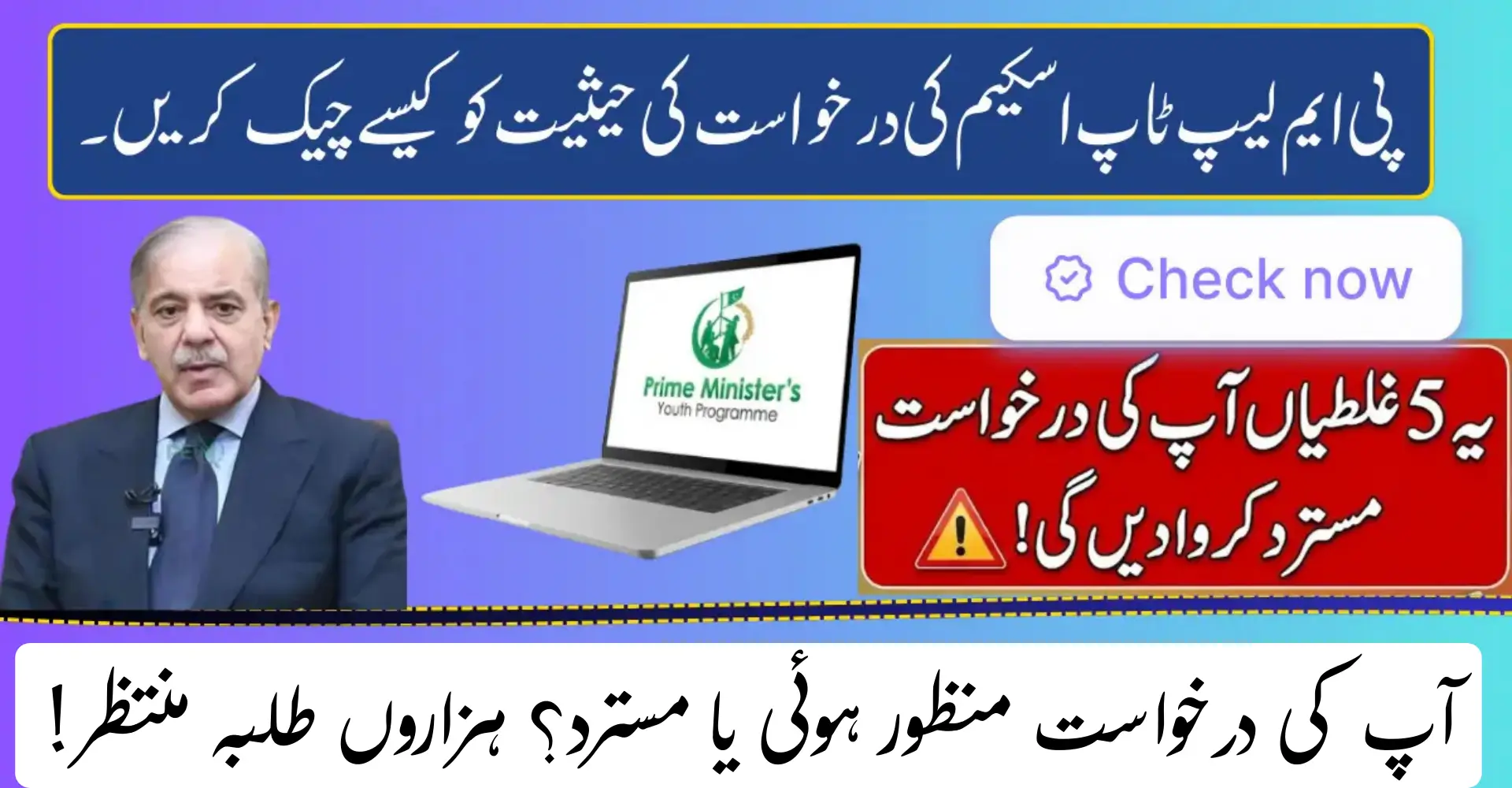
Is your status “Rejected” or “Approved”? Check Status Of PM Laptop Scheme. Did you apply for the PM Laptop Scheme and now feel unsure about your result?
Many students see “Approved,” “Rejected,” or “Under Review” and do not know what to do next. This guide clearly explains how to check PM Laptop Scheme status 2026, what each status means, and the exact steps you should follow.

I have covered this topic in depth so you do not miss any detail.
What Is the PM Laptop Scheme 2026?
The PM Laptop Scheme 2026 is a federal government initiative to support higher education students in Pakistan. The goal is simple. Provide laptops to deserving students so they can improve learning, research, and digital skills.
The scheme mainly targets students enrolled in public sector universities and degree-awarding institutes recognized by Higher Education Commission.
In 2026, the process remains fully digital. Applications, verification, and status updates are handled online with data matched through NADRA and university records.
Who Can Apply for PM Laptop Scheme 2026?
Eligibility plays a major role in approval. Even one missing detail can change your status.

Basic Eligibility Requirements
Students must meet all of the following conditions.
- Enrolled in an HEC-recognized public university
- Active student during the application window
- Valid CNIC or B-Form
- Correct academic data submitted
- Degree program approved under scheme rules
Private university students are usually not eligible unless officially announced.
How to Check PM Laptop Scheme Status 2026 Online
Checking your status is simple and takes only a few minutes.
Step-by-Step Status Check Process
- Visit the official PM Laptop Scheme or HEC student portal
- Log in using your CNIC or registration credentials
- Open My Profile or Application Status
- View your current status
- Log out safely after checking
Always use the official portal. Avoid agents or fake websites.
Understanding PM Laptop Scheme Status Results
After login, you will see one of three results.

Status: Approved
If your status shows Approved, it means:
- You met all eligibility criteria
- Your university verified your enrollment
- HEC and NADRA data matched successfully
- You are selected for laptop distribution
This is the final green signal. Now you only need to wait for distribution announcements.
Status: Rejected
A Rejected status can feel disappointing, but it usually happens for clear reasons.
Common Rejection Reasons
- Incomplete or incorrect application data
- CNIC or academic record mismatch
- Enrollment in a non-eligible program
- Verification not completed by university
- Missing deadline for confirmation
Most rejected applications cannot be changed for the same phase.
Status: Under Review or Pending
If your application shows Under Review or Pending, do not panic.

This means:
- University verification is still ongoing
- HEC is checking academic records
- Final decision is not yet uploaded
This status may change to Approved or Rejected later.
PM Laptop Scheme Status Meanings at a Glance
| Status | Meaning | What You Should Do |
|---|---|---|
| Approved | Selected for laptop distribution | Wait for schedule |
| Rejected | Did not meet scheme requirements | Prepare for next phase |
| Under Review | Verification still in process | Check regularly |
This table helps you understand your next step quickly.
Why Students Get Confused About Their Status
Many students face confusion because:
- Universities delay verification
- Status updates appear without notification
- Portal traffic causes login issues
- Students expect instant approval
Remember, verification takes time. Checking daily does not speed up approval.

What to Do If PM Laptop Scheme Status Is Rejected
If your application is rejected, take it as feedback.
Smart Steps After Rejection
- Recheck your academic and CNIC data
- Contact your university focal person
- Keep documents updated for future phases
- Apply again when the next scheme opens
Rejection does not affect future eligibility if errors are fixed.
Laptop Distribution Process After Approval
Once final lists are released, laptop distribution starts.
How Distribution Usually Works
- Universities receive official allocation lists
- Students get notified via portal or notice board
- Collection centers are announced
- Original CNIC and student ID are required
Laptops are handed over only to the approved student.
Documents Required at Laptop Collection
Carry these documents to avoid issues.

- Original CNIC
- University student ID card
- Enrollment proof if asked
Without original documents, laptops are not issued.
Important Tips for Approved Students
- Do not share login credentials
- Follow university notices regularly
- Reach collection center on time
- Check laptop condition before leaving
Missing the collection date can delay or cancel delivery.
FAQs
How can I check PM Laptop Scheme status 2026?
Log in to the official PM Laptop Scheme or HEC portal using your CNIC and check the application status section.
What does Approved mean in PM Laptop Scheme?
Approved means you are selected and eligible to receive a laptop once distribution starts.
Can I change my application after rejection?
No. Rejected applications cannot be edited for the same phase. You can apply again in future rounds.
How long does Under Review status take?
It depends on university and HEC verification. It may take several weeks.
Will I get SMS after approval?
Some students receive SMS or email alerts, but portal updates are the main source.
Conclusion
Checking your PM Laptop Scheme Status 2026 is the most important step after applying. Whether your result is Approved, Rejected, or Under Review, each status has a clear meaning. Approved students should wait for distribution updates. Rejected students should prepare better for the next phase.