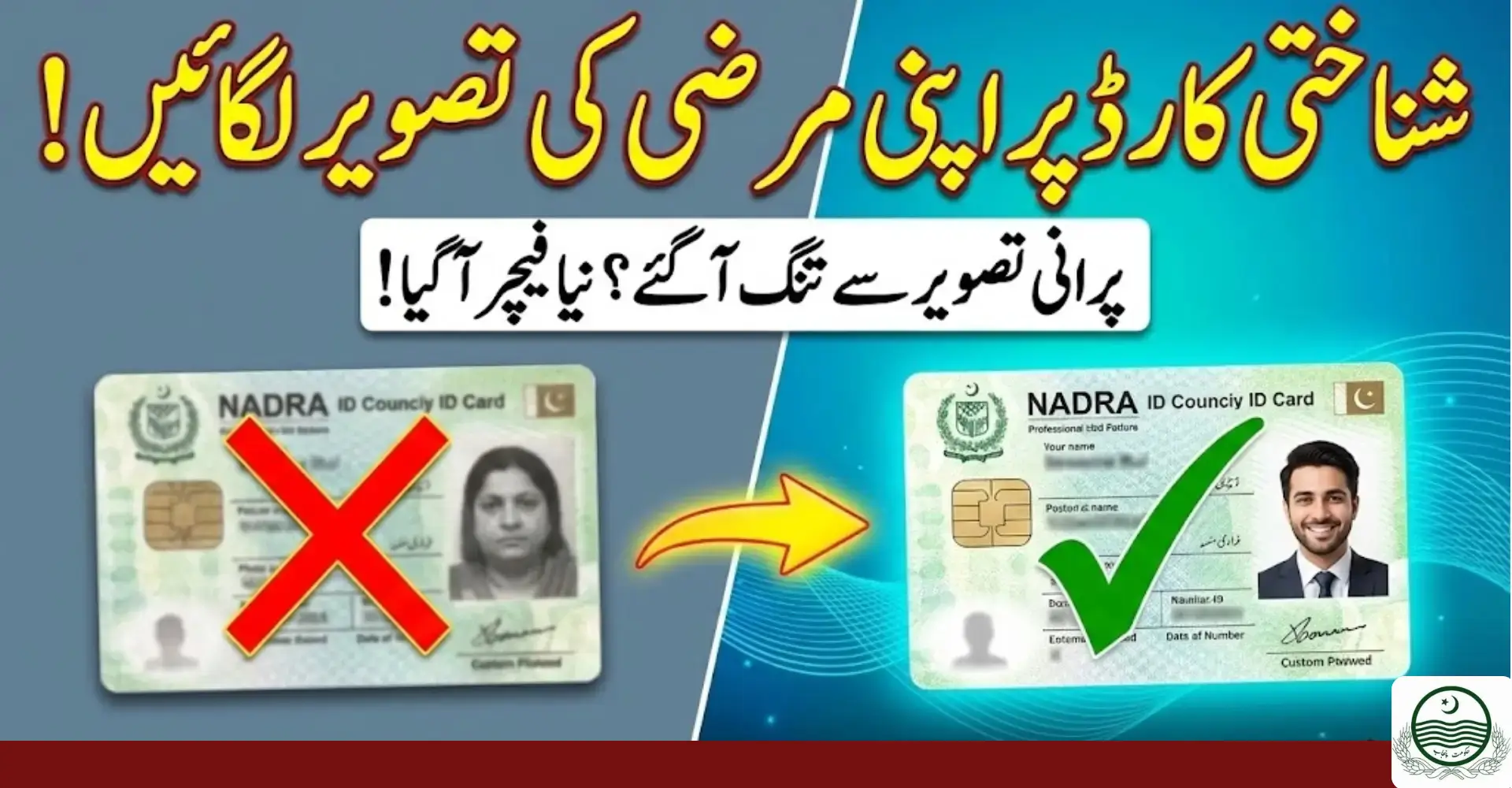
NADRA ID Card Custom Photo Upload Guide 2026. Uploading a custom photo for your NADRA ID card can save time and avoid rejections.
This complete 2026 guide explains how to upload the right photo, follow NADRA rules, and get quick approval without errors.

If your photo meets NADRA standards, your ID process moves faster and smoother.
What Is NADRA ID Card Custom Photo Upload?
The NADRA ID card custom photo upload option allows applicants to submit their own photograph instead of capturing it at a registration center.
This service is useful for:
- Overseas Pakistanis
- Elderly citizens
- Disabled individuals
- Busy professionals
The uploaded photo goes through a strict verification system to ensure compliance with NADRA standards.
National Database and Registration Authority manages all photo verification digitally to maintain national record accuracy.
Who Can Upload a Custom Photo for NADRA ID Card?
Not everyone needs this option, but it is highly beneficial for specific users.

Eligible Users
- CNIC applicants (new or renewal)
- Smart CNIC holders
- Overseas Pakistanis
- Women preferring home-based submission
- Senior citizens
- Persons with disabilities
If your application allows online services, you can upload a custom photo.
Benefits of NADRA Custom Photo Upload
Uploading your own photo offers multiple advantages compared to in-center photography.
Key Benefits
- Saves travel time
- Reduces long queues
- Better photo quality
- Faster processing
- Fewer rejections
A compliant photo improves approval speed and reduces follow-ups.
NADRA Photo Requirements (Updated 2026)
Understanding photo specifications is critical. Most rejections happen due to poor image quality.
Official NADRA Photo Guidelines
| Requirement | Details |
|---|---|
| Background | Plain white or light color |
| Face Visibility | Fully visible, front-facing |
| Expression | Neutral, no smile |
| Lighting | Even, no shadows |
| Glasses | Not allowed |
| Head Cover | Only for religious reasons |
| Resolution | High quality, no blur |
| Recency | Taken within last 6 months |
Photos that ignore these rules often fail verification.
Step-by-Step NADRA ID Card Custom Photo Upload Process
Follow these steps carefully to avoid delays.

Step 1: Visit Official NADRA Portal
Log in to NADRA’s official online service system using your credentials.
Step 2: Select Custom Photo Upload
Choose the option related to CNIC or Smart CNIC photo submission.
Step 3: Upload Your Photo
Select a clear image that meets NADRA’s specifications.
Step 4: Preview and Confirm
Check face alignment, brightness, and clarity before submission.
Step 5: Submit for Verification
After submission, NADRA reviews your photo digitally.
Approval or rejection usually arrives within a few working days.

Expert Tips for Best Results (Approved Faster)
Small mistakes can delay your application. Follow these expert tips used by professional ID consultants.
Photo Quality Tips
- Use natural daylight near a window
- Keep camera at eye level
- Maintain equal space around face
- Avoid filters or editing tools
- Use a high-resolution camera
Clothing Tips
- Wear solid dark colors
- Avoid uniforms or patterns
- Do not blend with background
These tips significantly increase approval chances.
Common Mistakes That Cause Rejection
Avoiding mistakes is as important as following rules.
Most Frequent Errors
- Blurry or pixelated image
- Shadow on face or background
- Side angle face position
- Wearing glasses or caps
- Low contrast with background
Even a small issue can trigger rejection.
What Happens After You Upload the Photo?
Once uploaded, NADRA performs a quality and compliance check.
Verification Process Includes
- Face clarity analysis
- Background validation
- Expression detection
- Identity matching
If issues are found, you may be asked to resubmit.

How to Fix Upload Problems Quickly
Technical issues can occur. Most are easy to solve.
Troubleshooting Guide
- Refresh browser and retry
- Check internet stability
- Reduce image size if required
- Use supported file formats
- Clear browser cache
If the problem continues, contact NADRA support.
Where Is the Uploaded Photo Used?
Your approved photo appears on:
- CNIC
- Smart CNIC
- NADRA records
- Government verification systems
Once approved, the same image remains linked to your identity.
Is NADRA Custom Photo Upload Safe?
Yes. NADRA uses encrypted systems to protect personal data.
Security Measures
- Encrypted uploads
- Secure servers
- Restricted access
- Digital audit trails
Your photo is not shared with unauthorized platforms.

FAQs About NADRA ID Card Custom Photo Upload
Can I upload my own photo for NADRA ID card?
Yes, eligible applicants can upload a custom photo through NADRA’s online system.
What photo background is allowed by NADRA?
Plain white or light-colored background is mandatory.
How long does photo approval take?
Usually a few working days, depending on compliance.
Can I resubmit if my photo is rejected?
Yes, NADRA allows resubmission after corrections.
Is this service available for overseas Pakistanis?
Yes, it is especially useful for overseas applicants.
Conclusion
Uploading a custom photo for your NADRA ID card in 2026 is simple if you follow the right steps.
A clear, compliant photo saves time, avoids rejection, and speeds up approval.